
 CG Channel·VFX

 Notion Blog·New Tool Releases
One digest a day
Short, editor-curated design news. Read it in minutes.

 Get the app
Design, curated daily
Daily design news, 2,800+ tools, events and your own toolkit, on your Home Screen and in your pocket.


DsgnBoost turns the noisy design internet into one calm daily habit: news, tools, events and your own toolkit, in a single app.
Short, editor-curated design news. Read it in minutes.
2,800+ tools sorted by the job you are doing, not by hype.
Conferences and meetups, saved straight to your calendar.
A DAY WITH DSGNBOOST
Chapter 1 · Explore
One focused digest and what is new this week.
Jump straight to the job you are doing.
An editor-picked issue of new tools, every week.
The newest tools in the catalogue, as they land.
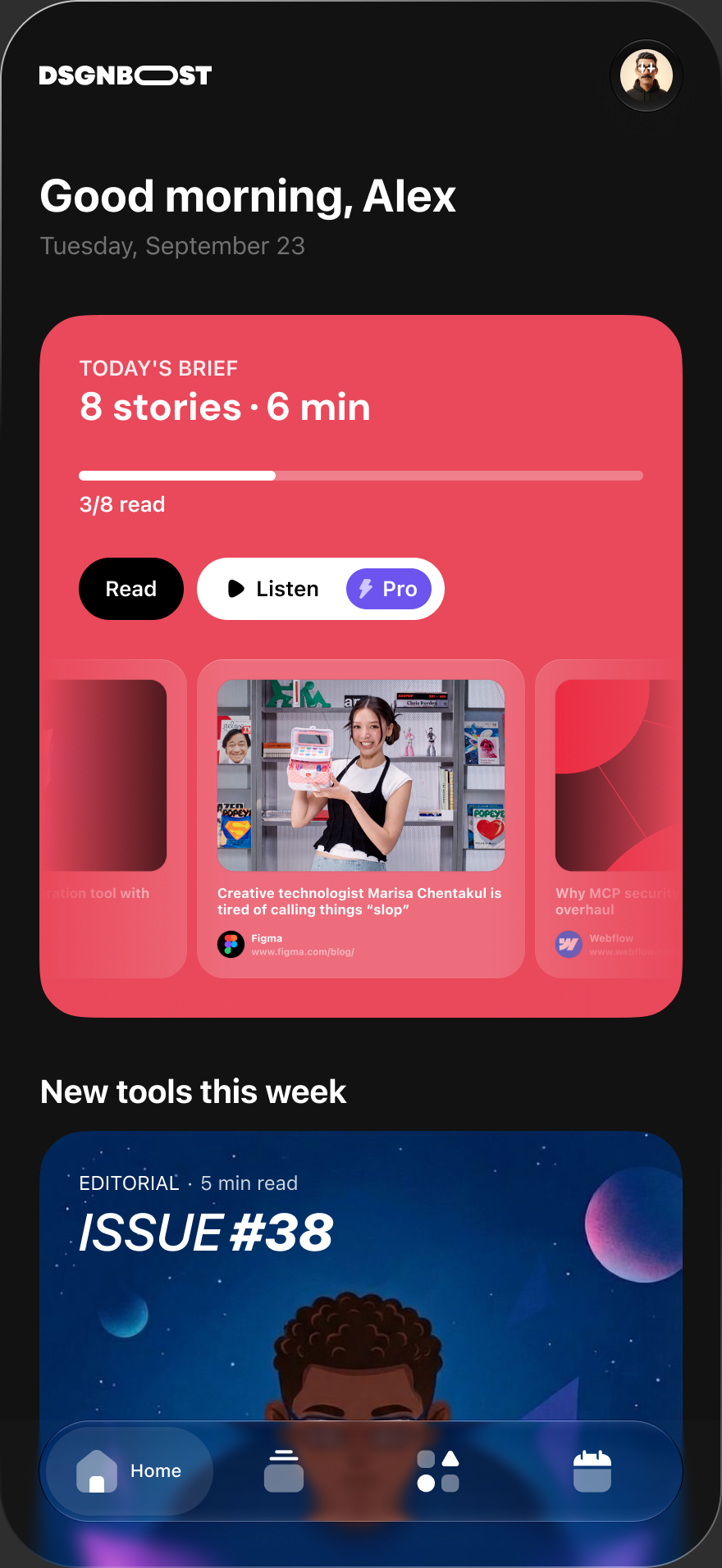
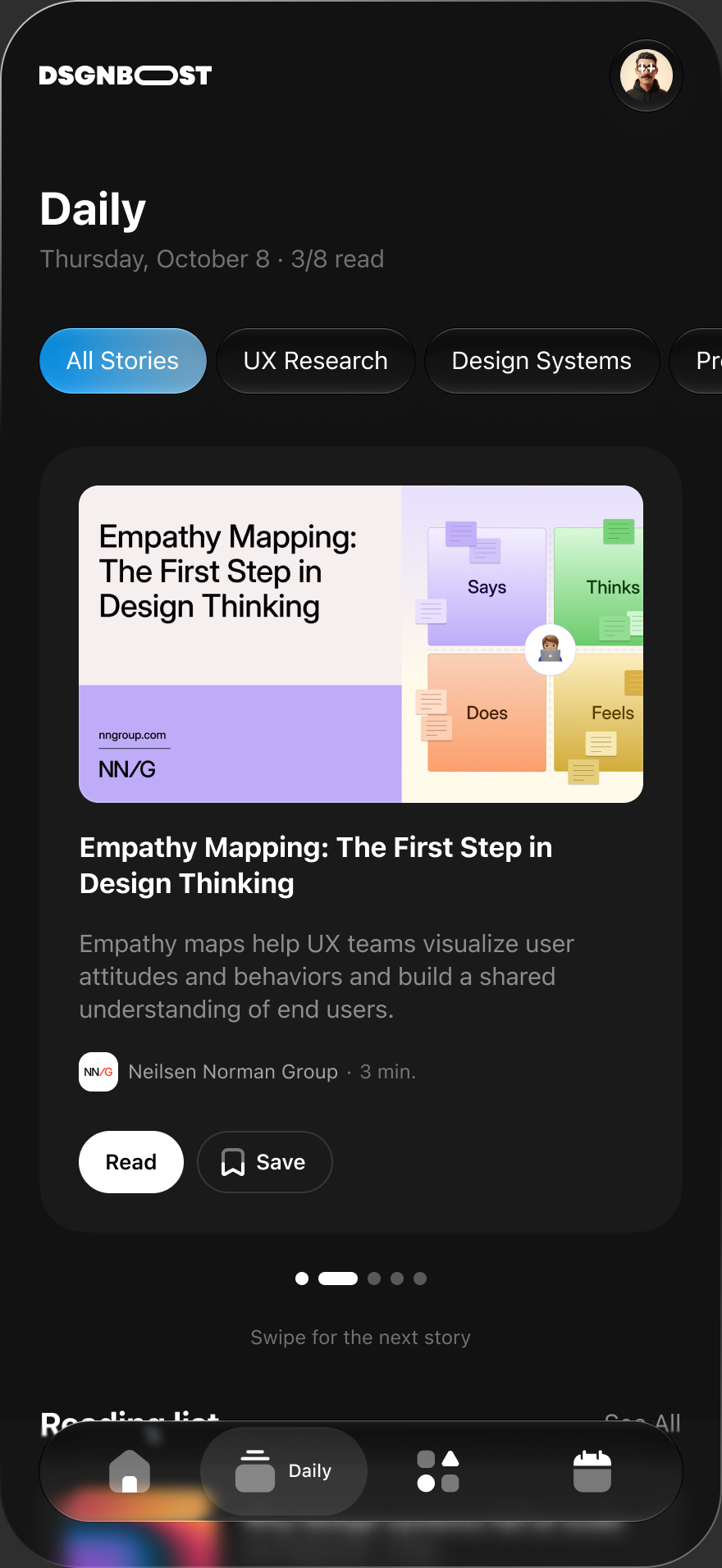
Chapter 2 · Daily brief
A swipeable stack of the day’s best design news.
Your topics shape the order. Nothing is hidden.
Bookmark stories to your reading list.
Finish a story and the next one is ready.
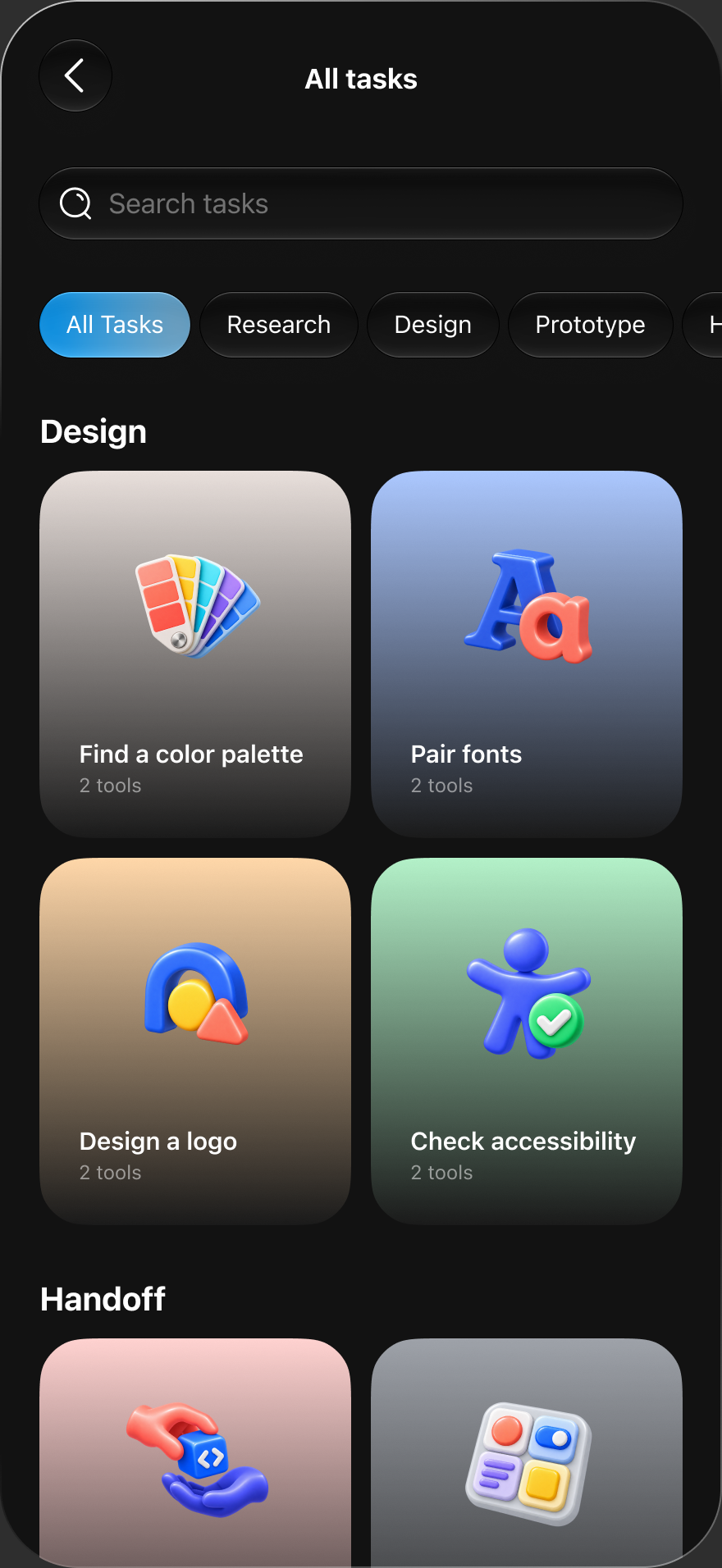
Chapter 3 · Discover
Type the job you need done.
Find a color palette, pair fonts, design a logo.
Tasks for the end of the design process, too.
Every task lists the tools that fit it.
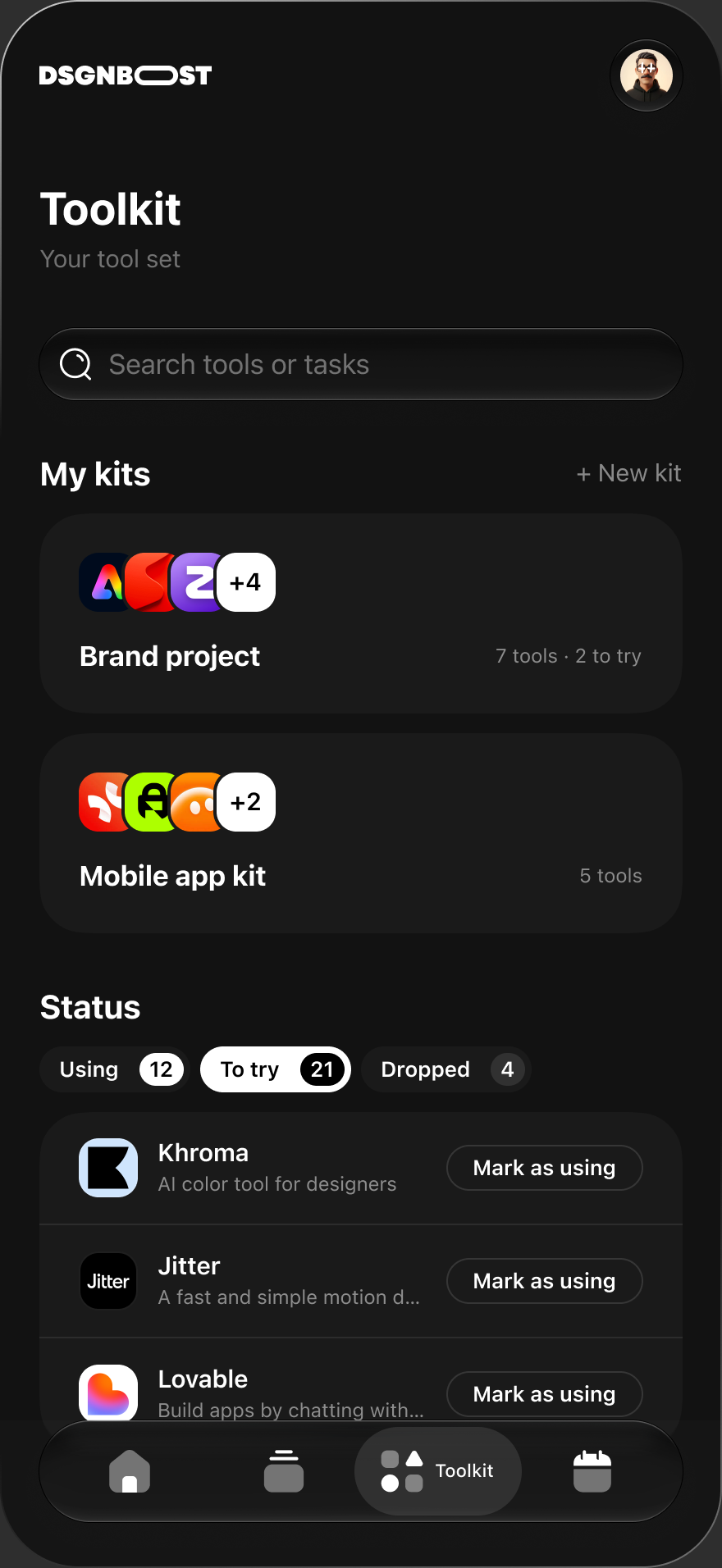
Chapter 4 · Toolkit
Group tools into kits like Brand project.
Mark where every tool stands.
Tools or tasks, in one place.
Start from scratch, or from a template.
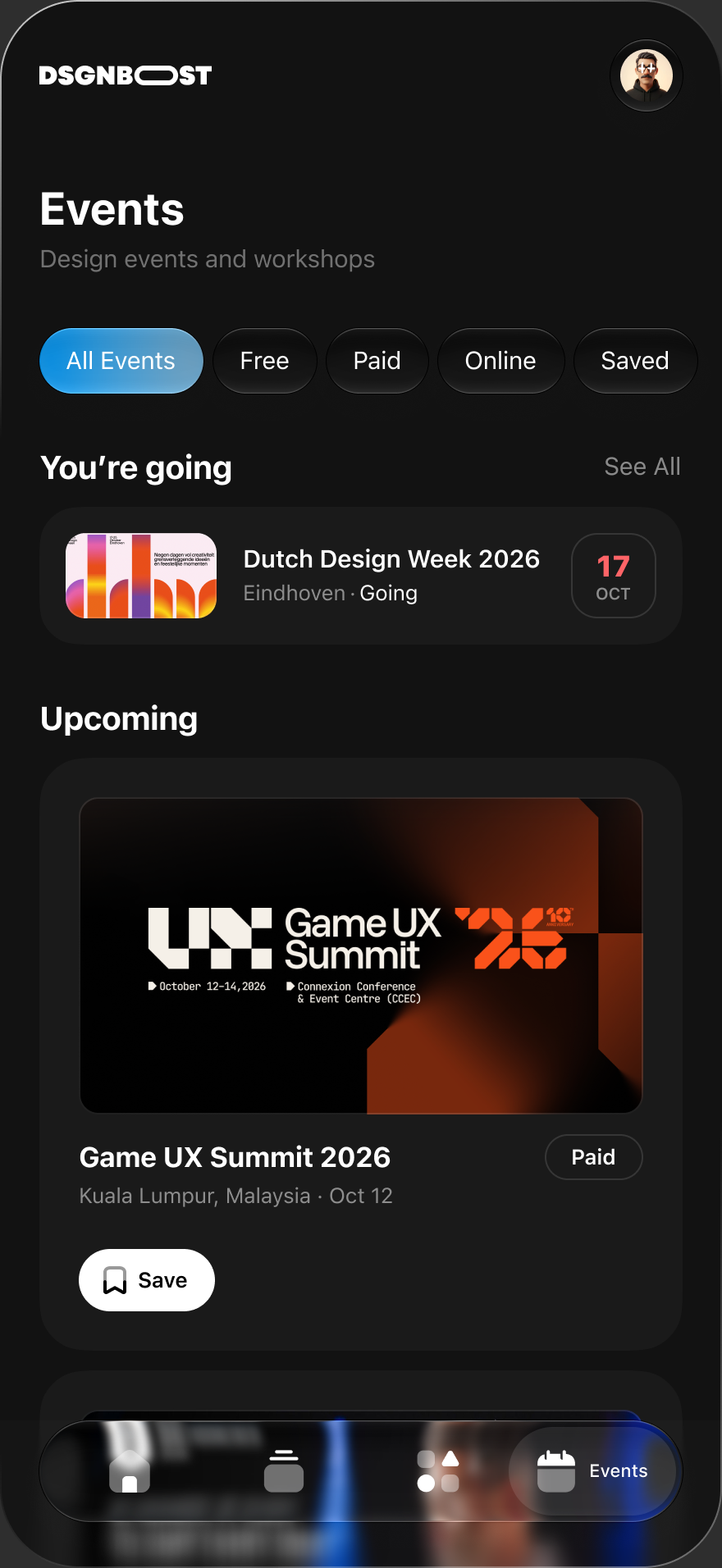
Chapter 5 · Events
Events you said yes to, pinned on top.
Conferences and workshops, filtered by Free, Paid or Online.
One tap to save, one tap to add it to your calendar.
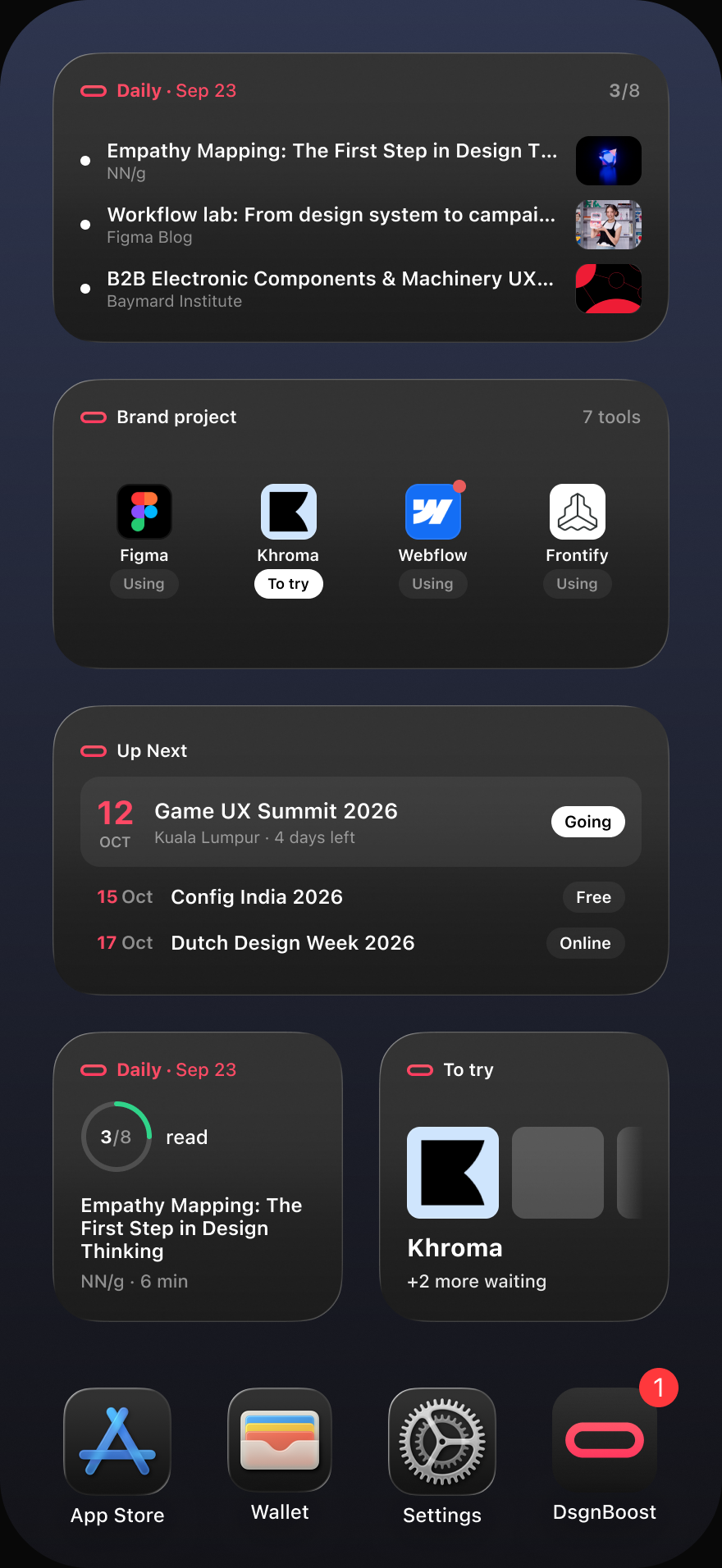
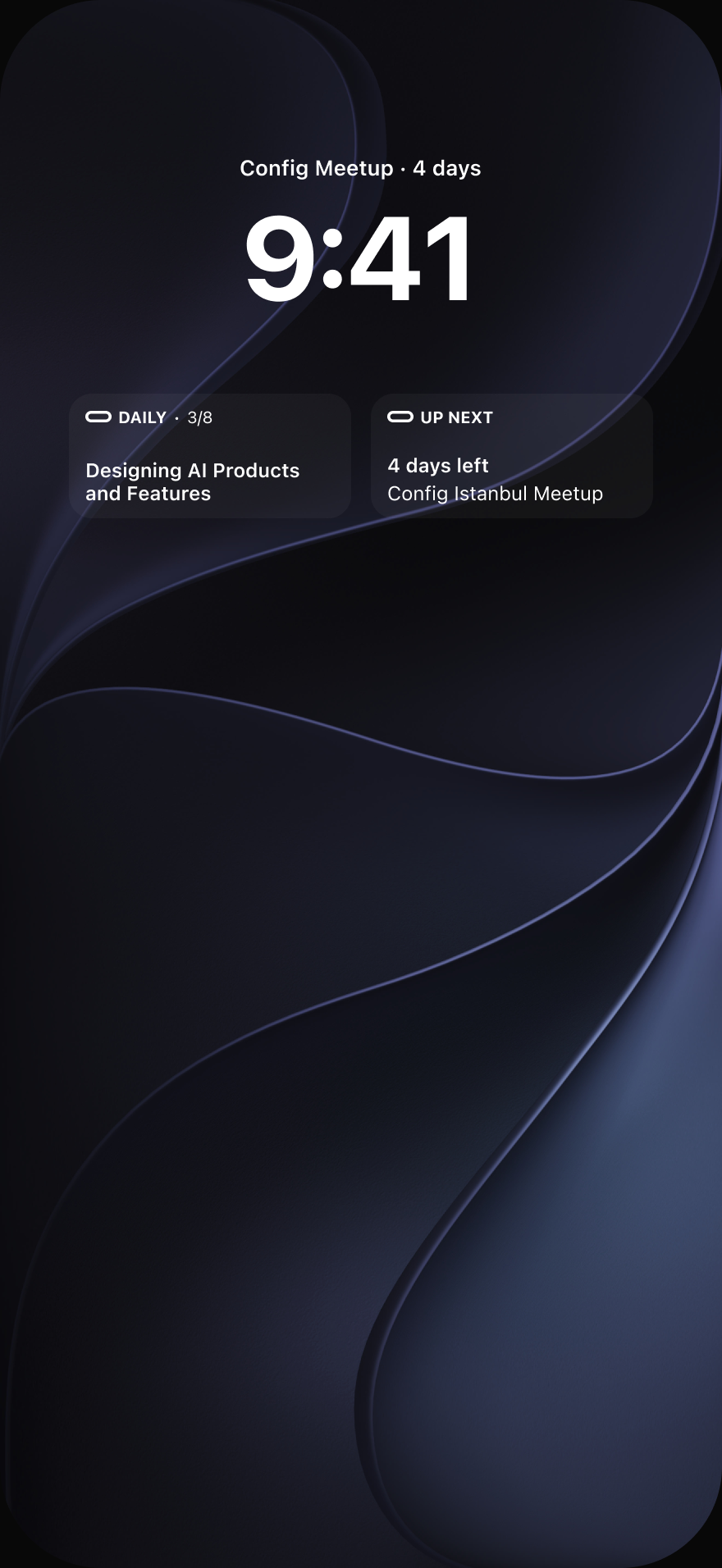
Your next event follows you to the Home Screen.
07:30
Explore: your reading streak, today’s brief, Weekly picks, upcoming events and new tools.
09:00
The brief: the day’s top 10 stories, ranked for you.
11:00
Discover by task: start from the job, then pick the tool.
14:00
Toolkit: group tools into kits and track where each one stands.
18:00
Events: save the ones you want and add them to your calendar.
WIDGETS · HOME + LOCK SCREEN

Today’s top story and how many are waiting.

Tools you are using, and what you wanted to try.

Your next saved event, counted down.
EDITORIAL INDEPENDENCE
No company pays to appear, rank higher or be described a certain way.
Free, Freemium, Paid or Trial, shown plainly on every tool.
Sign in with Apple only. No ads, no cross-app tracking. Delete anytime.
READY WHEN YOU ARE
Free on the App Store. Sign in with Apple and you’re in.
 Coming soon
 Get the app